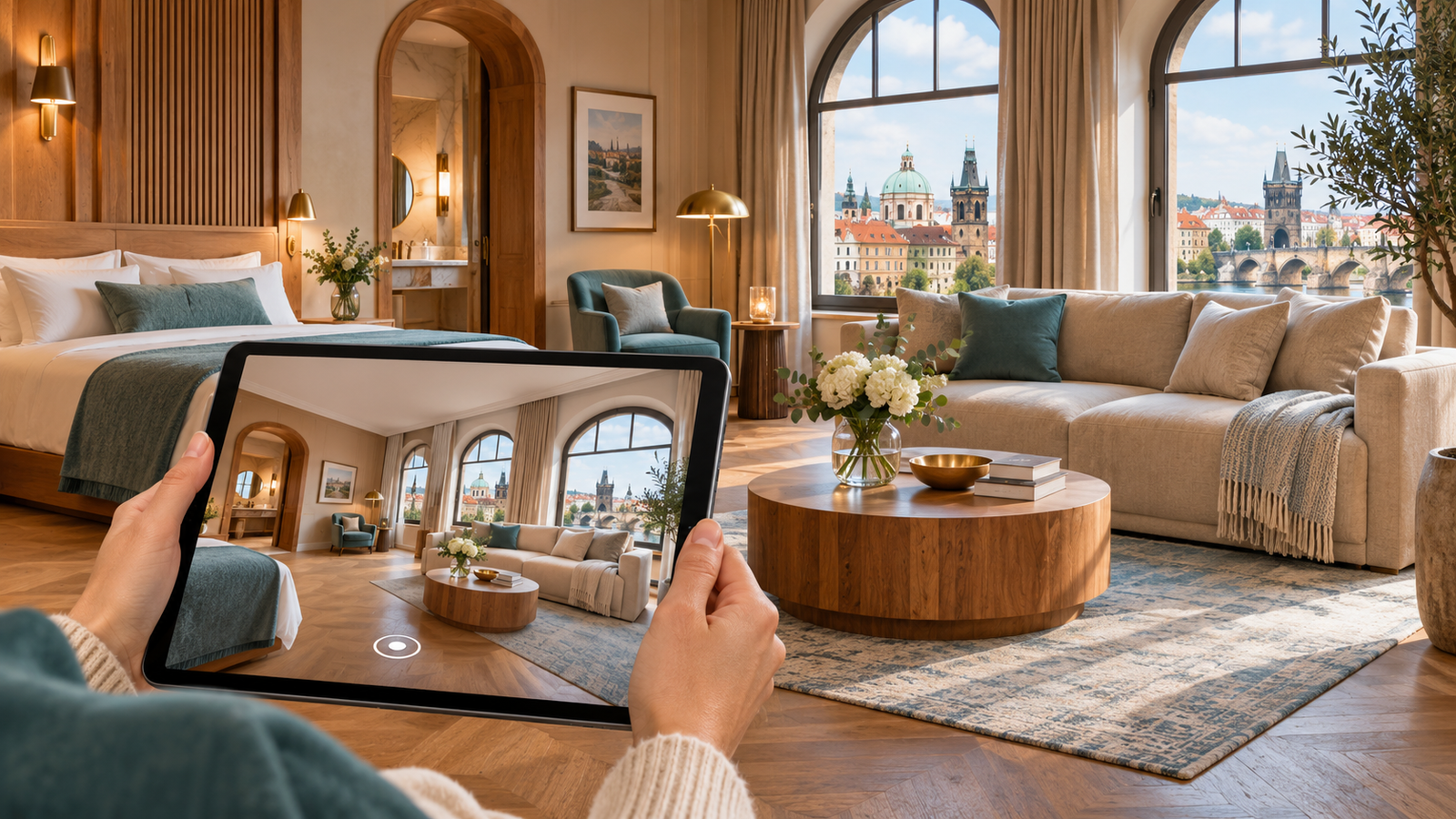
Before anyone books a table, a hotel room or a workshop in Prague, they look. Usually at six or seven photos, chosen by the owner and cropped to the best corners. Guests know that, so they keep scrolling, keep comparing, and still aren’t sure what the place actually feels like. A 360° virtual tour answers the one question ordinary photos can’t: what is it like to stand inside?
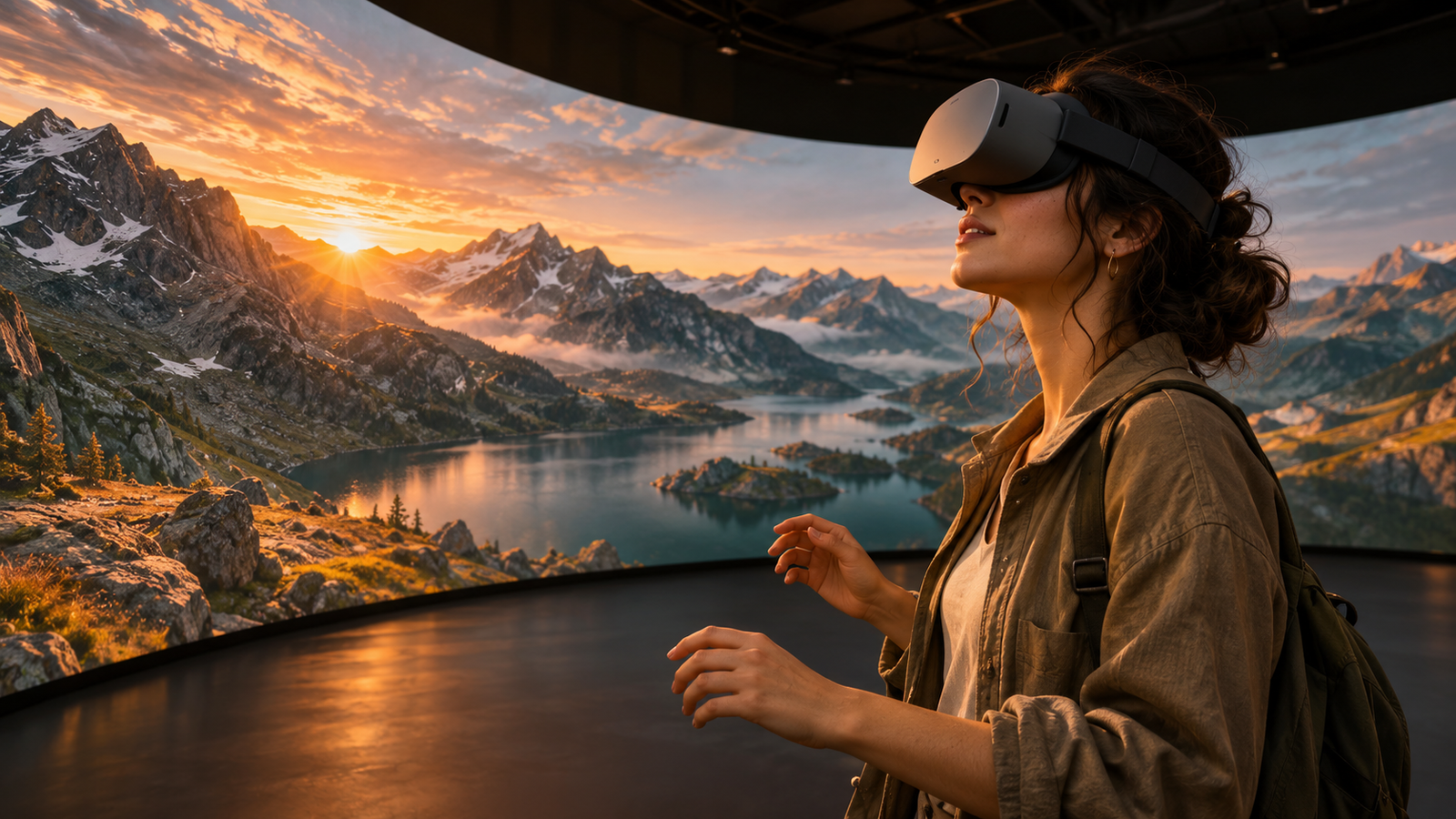
VR 360 photography captures a space in every direction at once: left and right, up to the ceiling and down to the floor. Viewers drag the picture around on their phone, click from room to room on a laptop, or put on a VR headset and simply look around. For businesses in a city that lives on visitors, it is one of the most convincing ways to show what you have.
What VR 360 Photography Is (and What It Isn’t)
A 360° panorama is not just a very wide photo. It is a full sphere, built from several frames shot from a single point and stitched into one seamless image. Link a few of these panoramas together and you get a virtual tour: the viewer walks from the entrance to the dining room, from the lobby to a suite, from the courtyard into the hall.
A good tour does more than show walls. Hotspots inside the panorama can open photos, a video, a menu, a map or a booking page, and music or ambient sound can play in the background. Because modern tours run in the browser (HTML5), nobody has to install anything: the same link works on iPhone, Android, desktop and VR headset.
A Real Example: Anatolia Grill Restaurant, Prague
The quickest way to understand a 360° tour is to try one. Anatolia Grill Restaurant, a Turkish grill restaurant on Na Poříčí in Prague 1, has a VR 360 tour on its own website so guests can look around before they come. Try it below, or open it on the restaurant’s 360° Restaurant page.
Open the Anatolia 360° tour in full screen
What is inside the tour:
- A welcome point that greets visitors as soon as the tour loads.
- A hotspot pointing to the nearby Bílá labuť tram stop, so first-time guests know how to find the restaurant.
- A photo album with more pictures of the restaurant, opened from inside the panorama.
- A video and background audio for atmosphere.
- An embedded map with the restaurant’s location.
All of it sits behind one link, which can go into booking confirmations, social media posts or a QR code on the table.
How a VR 360 Shoot Works, Step by Step
1. Walk-through and planning
Every shoot starts with a walk through the space. We decide where the viewer should “stand” in each scene, which rooms and corners matter most, and how the scenes connect. Light matters as much as layout: a restaurant looks different at noon and at eight in the evening, and a room with a view of the castle should be shot when that view is at its best.
2. Shooting
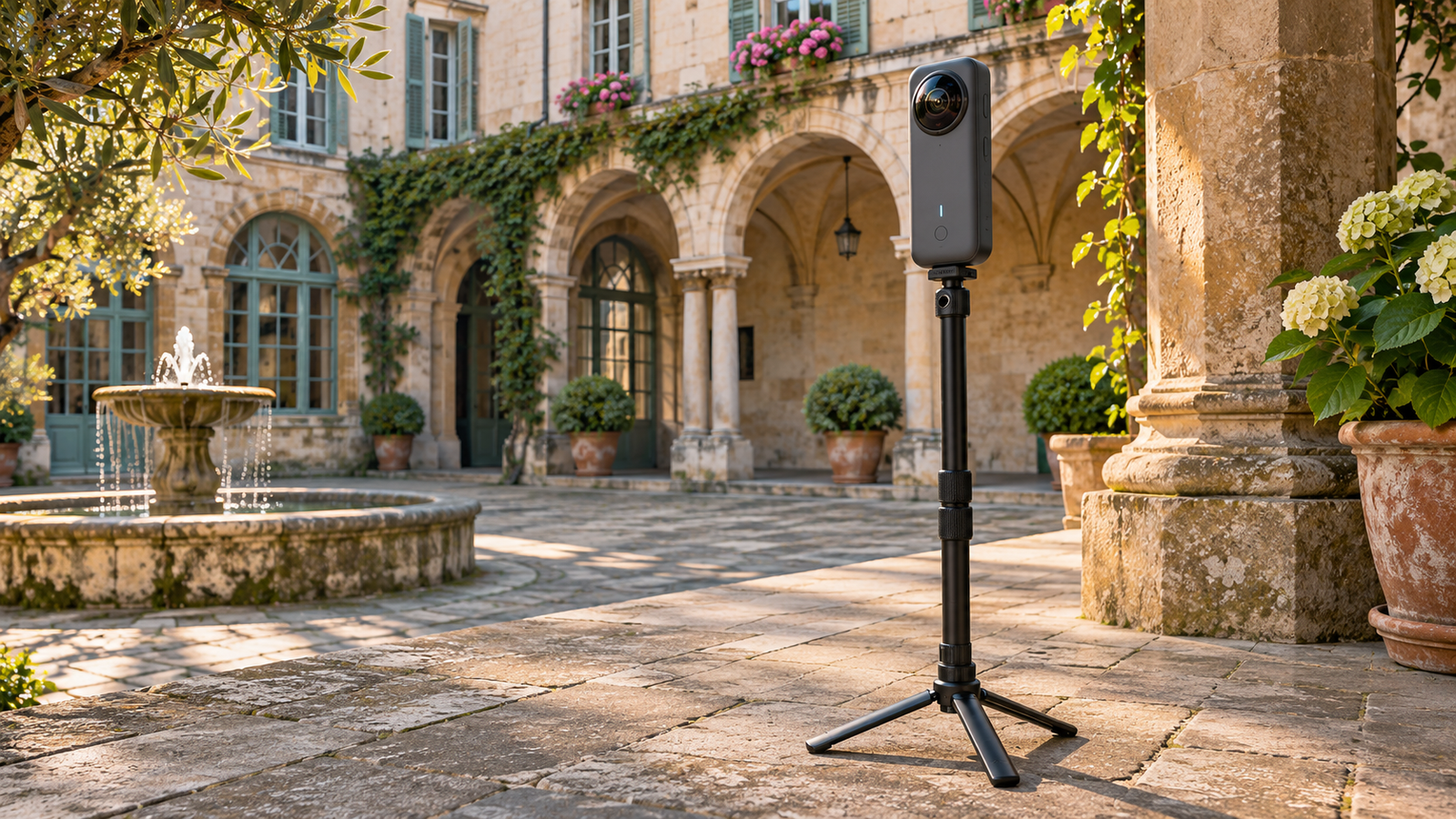
The camera goes on a slim tripod at roughly eye height, so the tour feels like standing in the room rather than floating above it. Several exposures are taken at each position, so bright windows and darker corners both keep their detail. And everyone steps out of the frame, because in a 360° image there is no “behind the camera”.
3. Stitching and editing
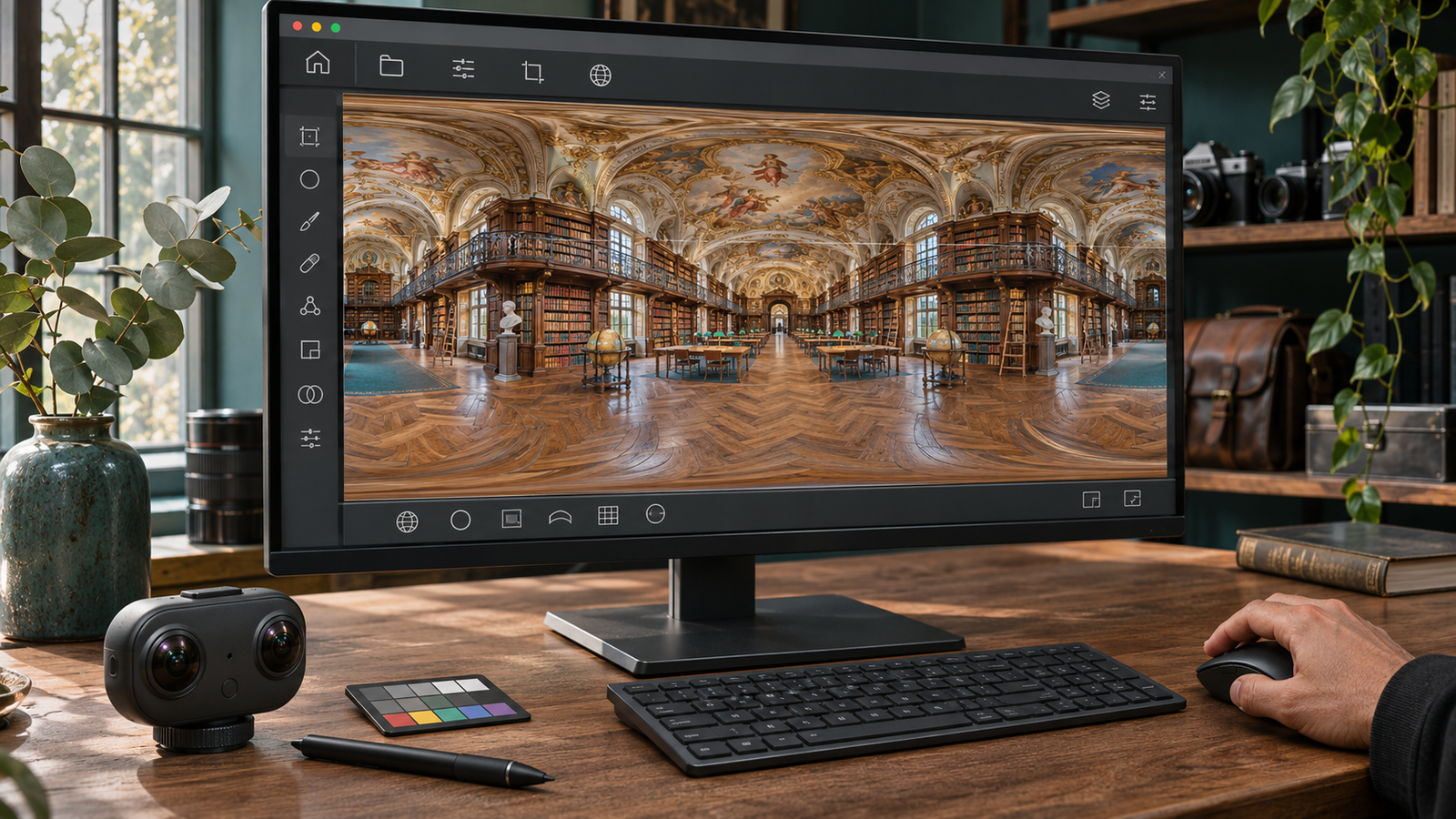
Back at the desk, the frames are stitched into a single equirectangular panorama, the flat, stretched-looking image that turns into a sphere inside the viewer. Stitch lines are checked and fixed, the tripod is removed from the floor, colours are corrected and small distractions are retouched. This is the step that separates a professional tour from a phone panorama.
4. Building the tour
The finished panoramas are linked into a tour, and hotspots are added: photos, video, opening hours, a menu, a booking button, a map. Labels and texts can be translated, which matters in Prague, where your visitors might read English, Czech, German, Turkish or Arabic.
5. Delivery
You get a link and an embed code for your website. The tour can sit on any page, just as Anatolia uses it on anatolia.cz, and the panoramas can also be added to your Google Maps listing, where people searching nearby will see inside before they decide.
Who VR 360 Photography Works For in Prague
- Restaurants, cafés and bars: guests see the room, the seating and the quieter corners, and groups can check whether the space suits a birthday or a company dinner.
- Hotels, hostels and apartments: the room, the bathroom and, above all, the view. A suite looking over the Vltava sells itself once people can turn their head and see it.
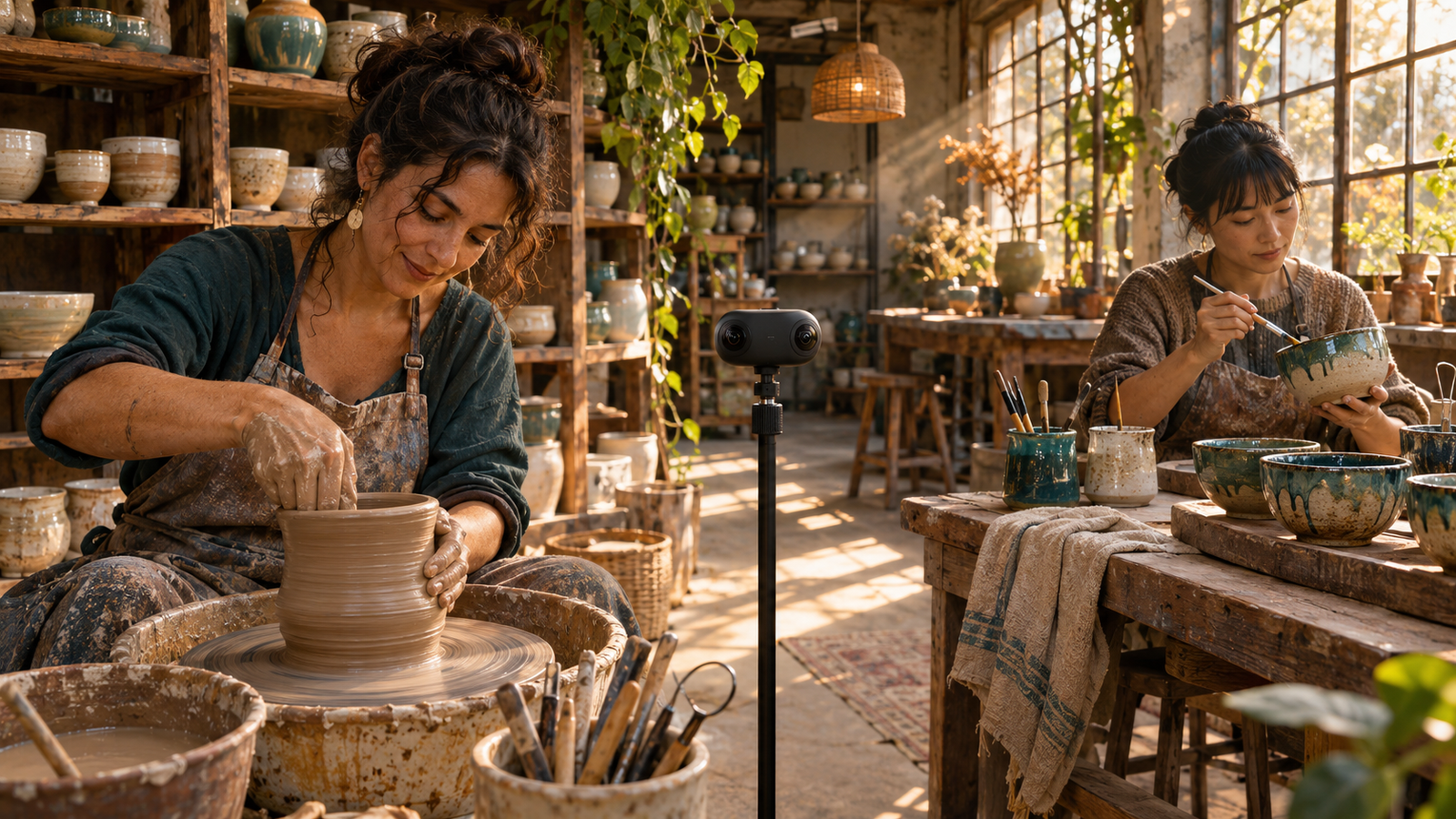
- Studios, workshops and venues: pottery studios, cooking classes, event halls and wedding venues are chosen on atmosphere, and a panorama carries that far better than a single frame.
- Real estate: buyers and tenants walk through a flat before they book a viewing. See our guide to real estate photography in Prague.
- Clinics, shops, galleries and offices: anywhere people feel better about coming once they know what they will find.
How to Prepare Your Space for the Shoot
- Choose a quiet time slot, ideally before opening. People moving through the scene leave “ghosts” in the stitched image.
- Tidy every direction, floor and ceiling included. A 360° camera also sees the cables under the bar and the boxes behind the door.
- Switch on all the lights you normally use for guests, and decide whether screens should be on or off.
- Set the tables or make the beds exactly the way you want guests to find them.
- Prepare the hotspot content in advance: a menu link, a booking link, a few photos or a short video.
Book a VR 360 Shoot in Prague
If you run a restaurant, hotel, studio or venue in Prague and want guests to step inside before they arrive, Kemal Onur Ozman Photography shoots and builds complete 360° virtual tours, from the first walk-through to the finished tour on your website. Kemal has been working with 360° photography for more than a decade.
See the details and more examples on the 360° virtual reality photographer in Prague page, and take a look around the Anatolia Grill Restaurant tour to see a finished project.
שאלות נפוצות
Do visitors need an app or a VR headset to see the tour?
No. The tour opens in the browser on any phone, tablet or computer. A VR headset is optional, for people who want the fully immersive version.
Can the 360° photos be added to Google Maps?
Yes. The panoramas can be published to your Google Maps listing, so people who find you on the map can look inside straight away.
Will the camera or the tripod be visible in the tour?
No. The photographer steps out of the frame during each shot, and the tripod is removed from the floor in post-production.
Can you shoot while we are open?
It is possible, but a quiet hour or the time before opening gives much cleaner results, because people moving through the scene leave ghosting in the stitched panorama.
Can the tour be in several languages?
Yes. Labels and hotspot texts can be translated, so international visitors can read the tour in their own language.
Is a 360° tour only worth it for large venues?
No. A small café or a single apartment can work beautifully with just one or two panoramas. What matters is showing the space honestly and well.